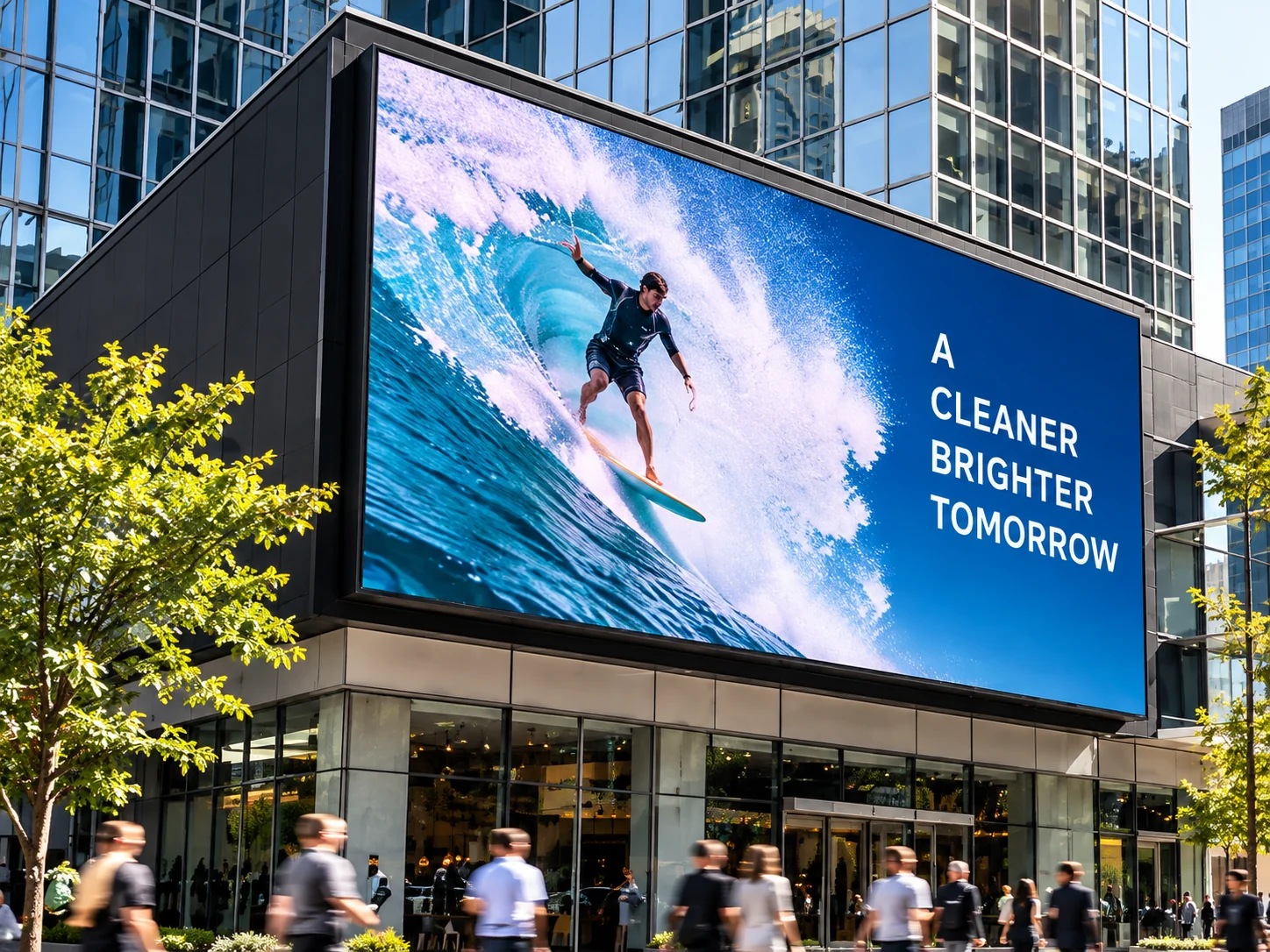
Move on from USB
Update content remotely through ScreenZeno, with a compatible player for a suitable display.
ScreenZeno is £100 ex VAT (£120 including VAT) per screen per year. You put pictures, video and messages on your screens, choose the days and times, and see which screens are on. If the internet drops, the last content stays up. It is already running on a live screen.
Using USB sticks or looking for a fresher CMS? Manage compatible screens from your browser or phone. Add a ScreenZeno HDMI media player where needed, after we check your setup. Phone access is free on every plan.

A NEW WAY TO RUN YOUR EXISTING SCREENS
Update content remotely through ScreenZeno, with a compatible player for a suitable display.
Tell us your current software and hardware. We’ll explain what can be reused when you switch.
Explore our two ScreenZeno player options. We’ll help match the player to your screens and content.
From your front window to your menu boards and LED screens.
Illustrative settings and screen content.
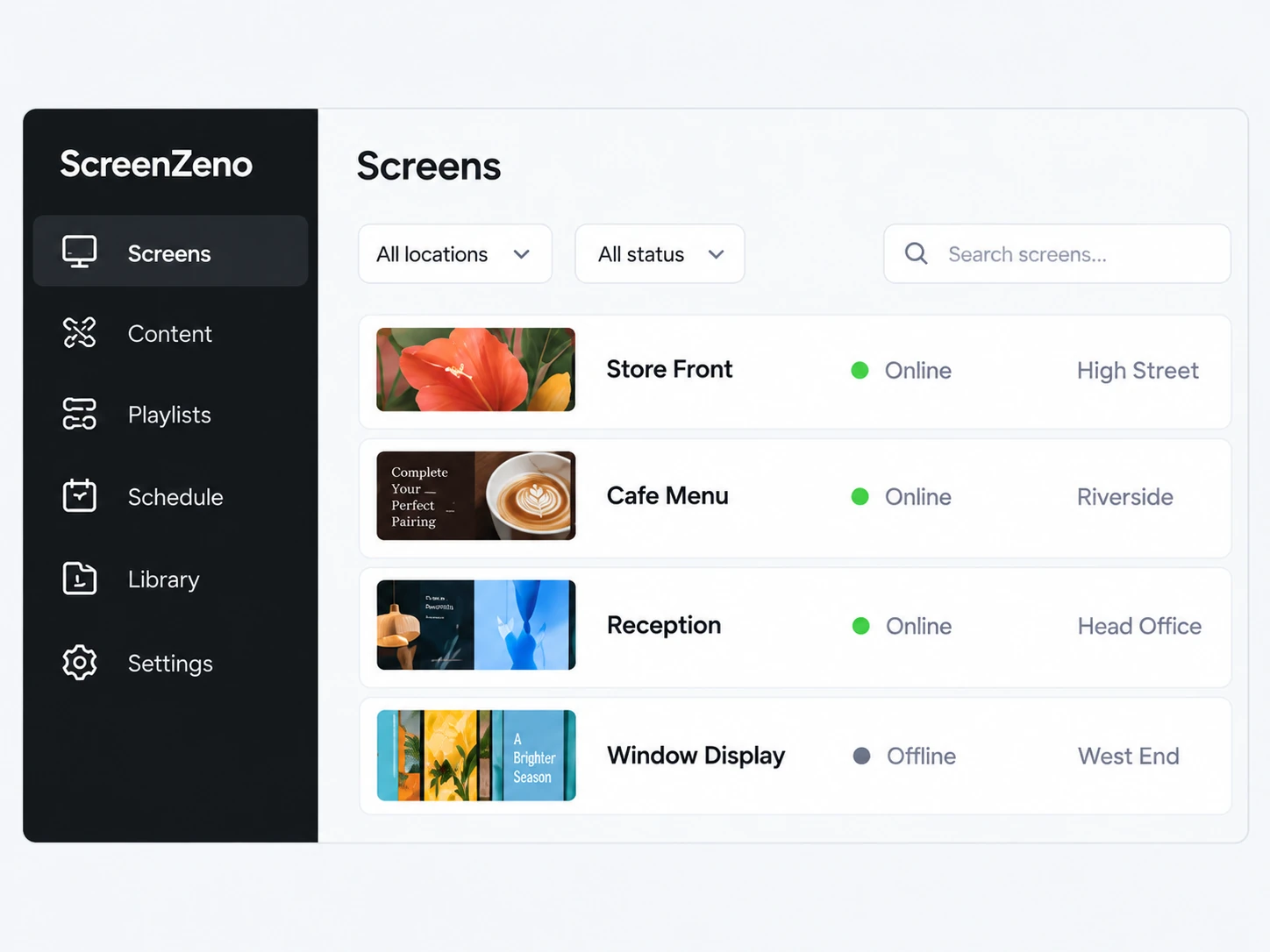
Check screen status, review scheduled content and view player screenshots where supported.
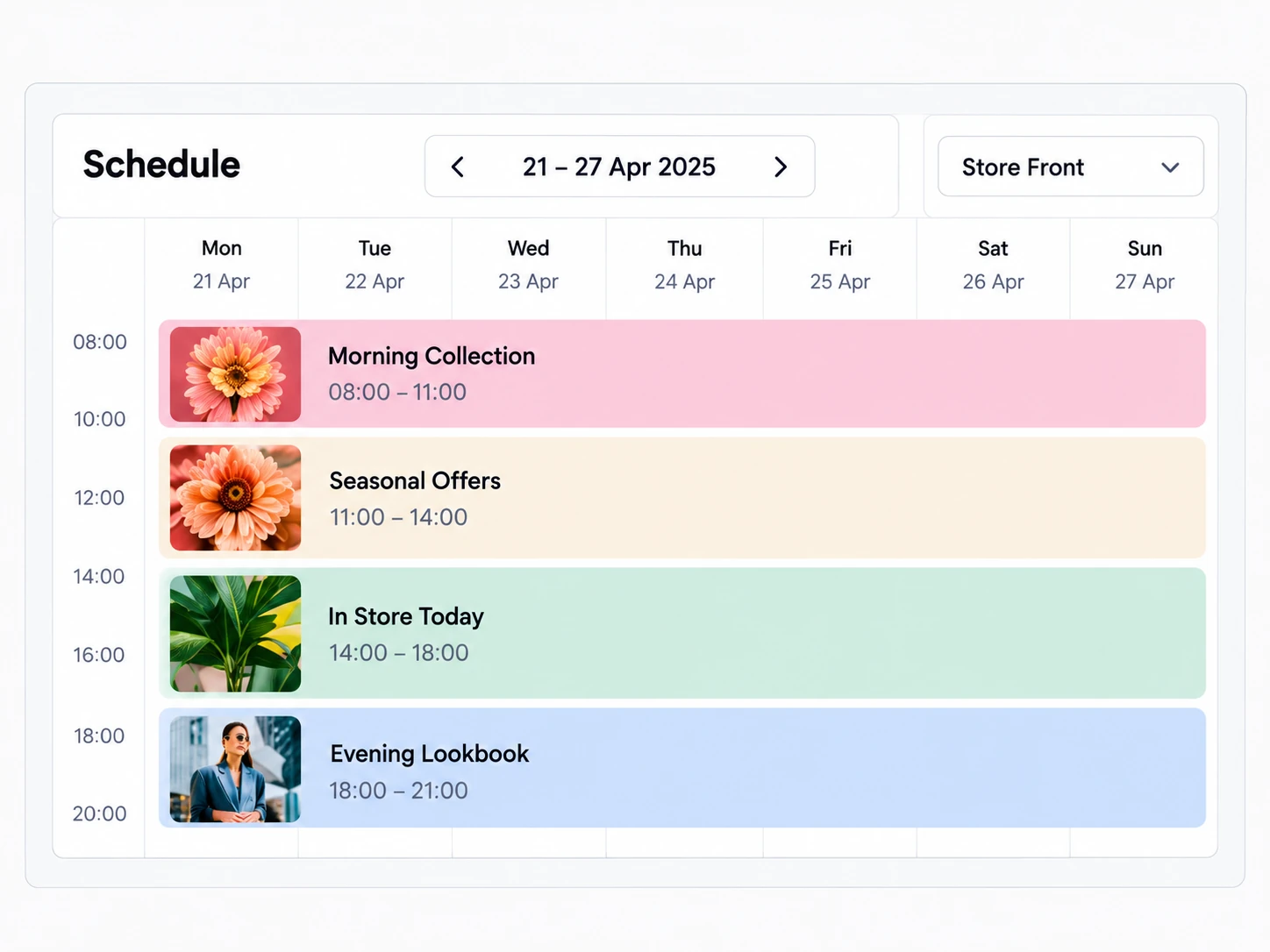
Schedule playlists by day and time, then review each screen’s week or month.
Illustrative interface views.
Publish, schedule and monitor.
Upload images, video and PDFs. Build playlists and choose which screens should show them, from your browser or phone.
Explore the CMS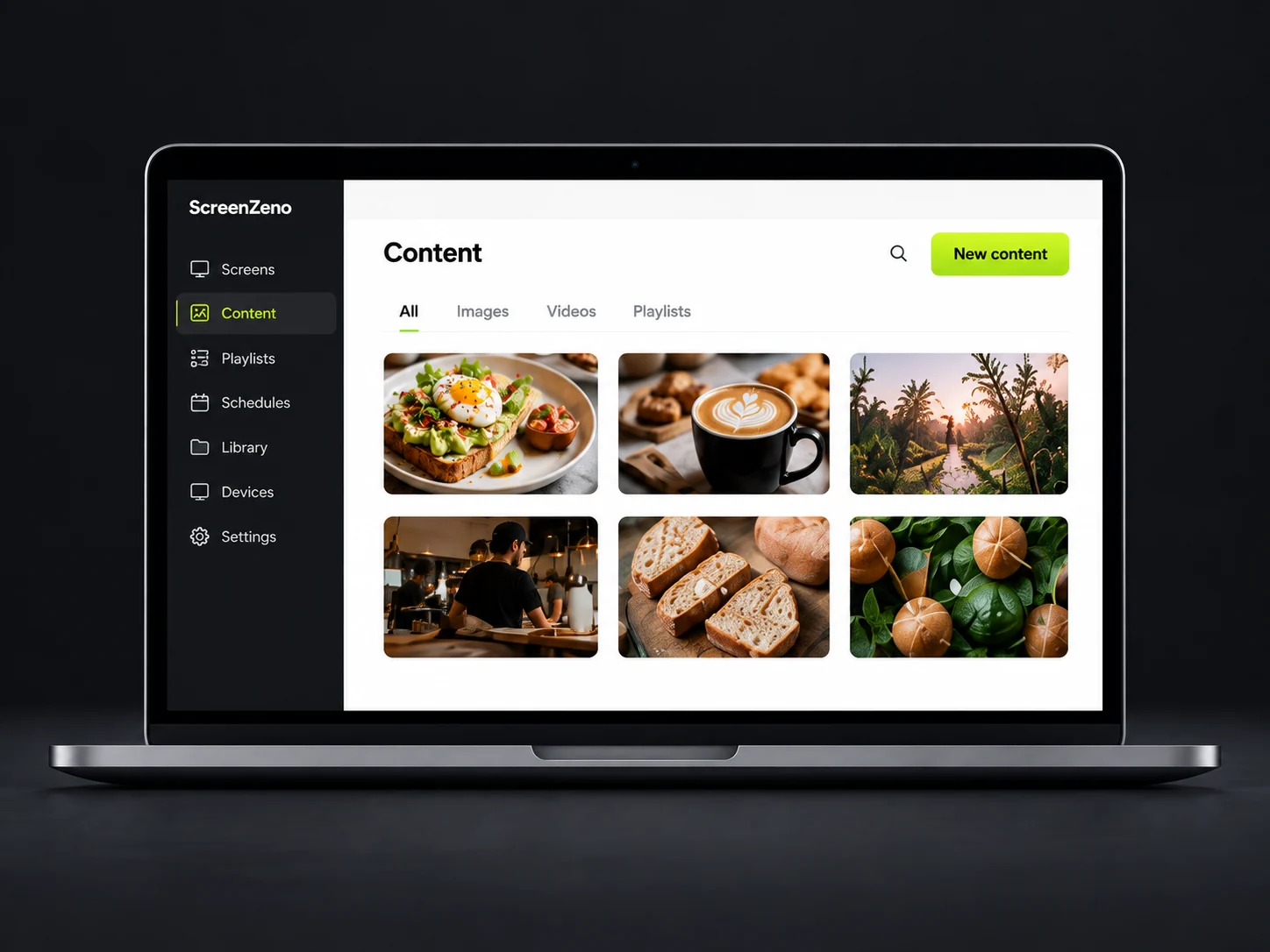
Manage content, schedules and user access across compatible LCD and LED screens. Keep separate customers and locations organised, whether you run one site or support several. Explore the software or see how the CMS works.
Change content through your phone’s browser, without travelling to each screen.
Organise screens by customer and location, and give each person the access they need.
Manage compatible LCD and LED screen setups from the same dashboard.
Build playlists with images, video, PDFs, dynamic data and Power BI dashboards.
Choose the days and times each playlist should run, from breakfast menus to weekend offers.
Screens keep showing the last good content if the connection drops.
Review playback records reported by supported players and export them for your chosen dates.
Check reported screen status and view player screenshots where supported.
Start with a compatible player, your own content and a schedule that fits your business.
Get startedAdd an LCD screen or an LED screen to your account.
Add images, video or a live page, and put them in a playlist.
Set weekdays 9 to 5, or breakfast, lunch and evening. You can also update a screen straight from your phone.
£120 a year or £14 a month per screen, inc VAT. Phone updates are free on every plan.
Your subscription starts today. Stripe takes the payment card on its secure page. ScreenZeno does not store the card.
Monthly plan: £14 per screen per month, including VAT
or
Annual plan: £120 per screen per year, including VAT
Your subscription continues until you cancel it. You can cancel at any time through your ScreenZeno account.
Every plan includes phone updates, scheduling, proof of play, and LCD and LED screens in one dashboard. See everything included.
Setup and training are agreed in your quotation.
Create your own account and pay when you start, talk to our team, or apply as an installer. Installer applications are reviewed individually.Still unsure? Read our digital signage answers, or talk to us about your setup.
A digital signage content management system (CMS) lets you upload media, build playlists and schedule what appears on connected screens. ScreenZeno manages compatible LCD and LED screen setups through a browser dashboard.
LCD screens, Android players and LED players are looked after from the same dashboard. Compatibility still depends on the display, the player and the content. Send us the model details before ordering. Our compatibility guide lists what to provide.
Yes. Use ScreenZeno through your phone’s browser to upload content, manage playlists and check screens you have permission to access. Phone access is included in every plan.
Yes. A reseller or a chain can keep each customer or site in its own organisation. You choose who can see each organisation, and a person can be limited to one location.
The dashboard shows reported online and offline status. You can get notified if a screen goes offline, using the alert settings agreed for your account.
Your screens keep playing the last good content if the internet drops.
Yes. £120 a year or £14 a month per screen, inc VAT. Phone updates are free on every plan. Hardware, installation and training are agreed separately in your quotation.
SCREENZENO PARKING
Car park availability for LED signs, with space counts, FULL and CLOSED. Pilot enquiries welcome; suitability is confirmed for each site.
Explore ScreenZeno ParkingPractical thinking from people who install, manage and support digital signage every day.
An operator’s guide to car park space counting signs: trusted counts, capacities, site rules and clear availability messages for drivers.
Read article : How car park space counting signs workDecide what drivers see when a car park availability count is stale or unavailable. Agree clear wording, responsibilities and recovery checks for your site.
Read article : What a car park sign should show when the count cannot be trustedChoose clear car park sign wording for spaces available, FULL, CLOSED and uncertain counts. A practical checklist for names, arrows and multi car park layouts.
Read article : How to choose what your car park signs should sayCreate your own account and pay when you start. £14 a month or £120 a year per screen, including VAT. You can also speak to our team, or ask us to connect you with an authorised reseller.
You can also talk to Digi Sign or an authorised reseller. Installer applications are reviewed individually.