Using USB sticks or ready for a fresher CMS? ScreenZeno helps you update, schedule and manage content on compatible screens. Tell us what you have, and we’ll check whether you can use your current setup or add a ScreenZeno HDMI media player.
Move from carrying files to each display to managing content through your browser or phone. A compatible HDMI media player can give a suitable USB-only screen a new way to receive and play content.
Ready to change CMS?
Keep suitable displays and refresh the software you use to run them. We’ll check your current CMS, screen models and players, then explain what you can reuse and what needs changing.
Have an HDMI screen?
A ScreenZeno player connects to a suitable display through HDMI and receives content over your network. We’ll check the display input, resolution and connection before recommending a setup.
What does a media player do?
The player is a separate box connected to your display. ScreenZeno manages your content in the cloud; the player receives it and shows it on the screen. You upload pictures, video and messages, choose when they play and check reported screen status.
A suitable external player lets you use ScreenZeno without relying on the display’s USB playback or its existing built-in CMS. Cached pictures and video can keep playing when the internet drops; live web content still needs a connection.
Switch at a pace that suits your business
Start with one screen or plan a change across your locations. We’ll review the equipment, content and network first so you know how the change will work.
SCREENZENO MEDIA PLAYERS
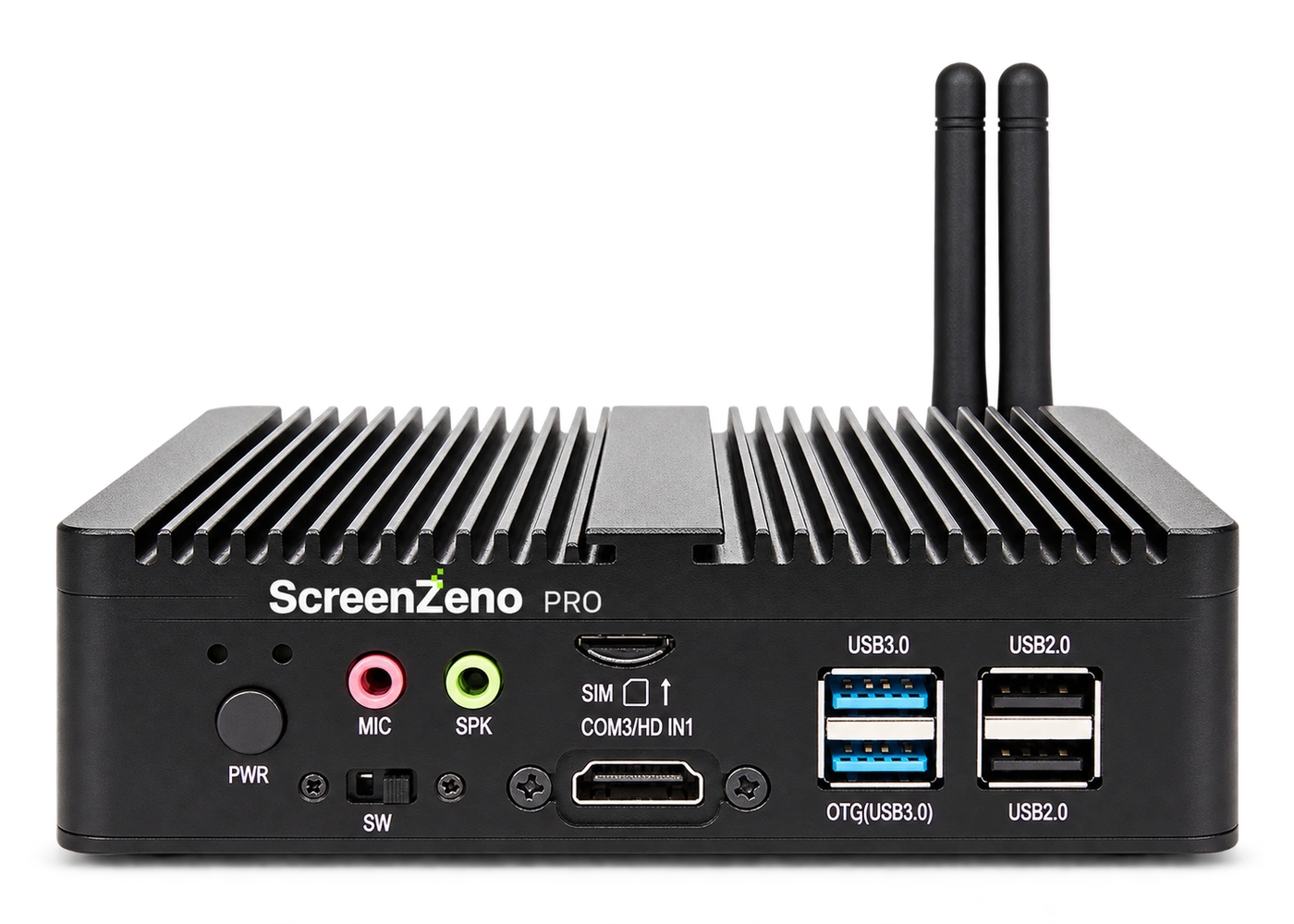
Two player options. One place to manage your content.
Choose between ScreenZeno Core and ScreenZeno Pro. Tell us about your displays and content, and we’ll help you choose the right player.
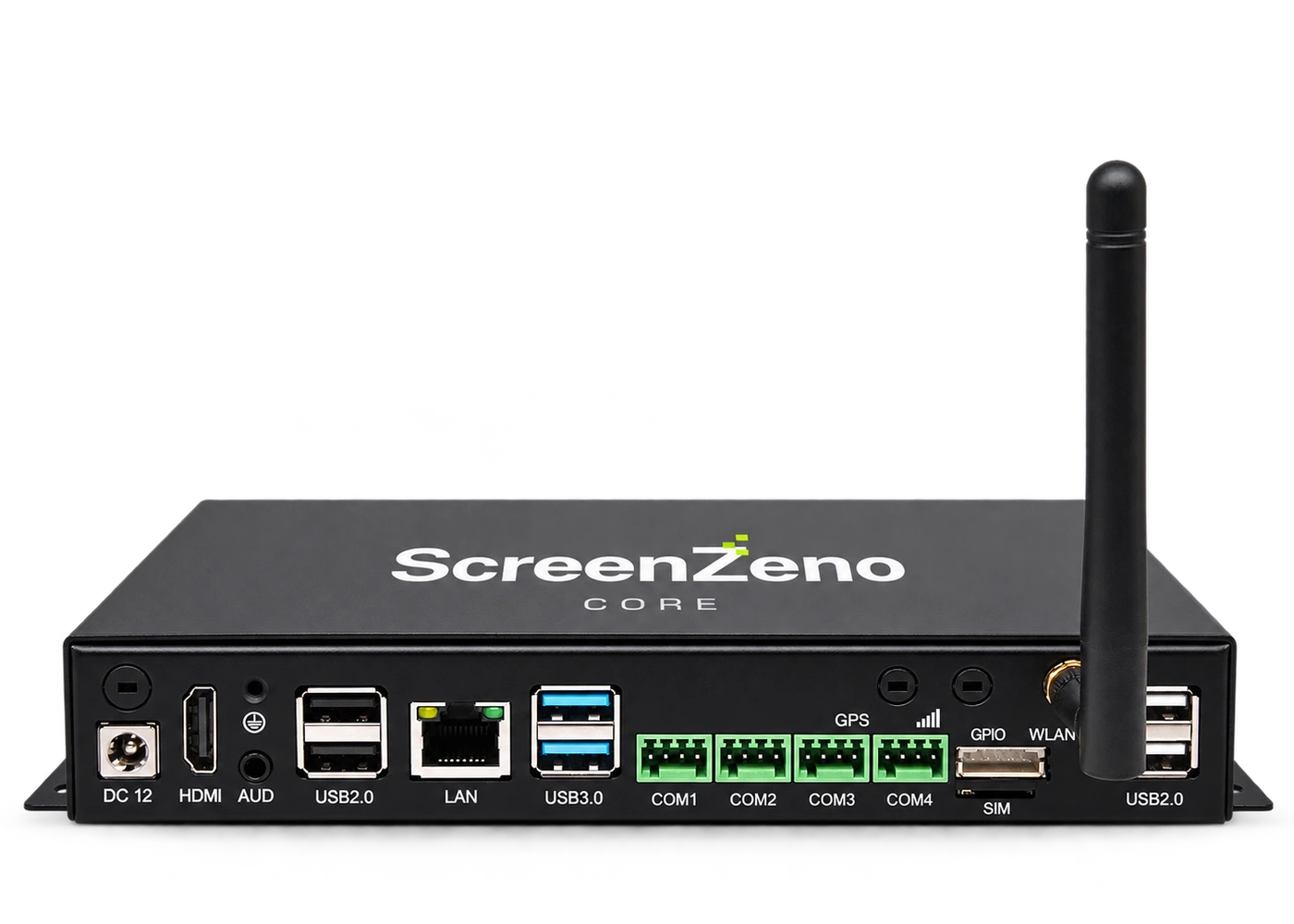
Quad-core option
ScreenZeno Core
Our standard HDMI media player for businesses showing pictures, messages, menu boards and video signage on compatible displays.
We’ll confirm the supplied memory, storage, display output and supported content with your setup. Hardware and the ScreenZeno software subscription are separate. View software pricing.
LET’S CHECK YOUR SETUP
What screens do you already have?
Tell us how many, how you update them today and what you want to show. We’ll check the setup and help you choose a way forward.
Not sure of the model or connection? Choose “Not sure” or leave the optional details blank.